

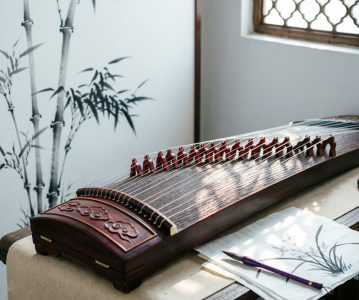
今天给大家分享一下如何使用 openclaw 自动上传并发布自定义生成的图片到 WordPress 博客。整个过程完全自动化,只需几条 curl 命令即可完成!
准备工作
首先,你需要准备以下内容:
- 图片文件 – 确保你的图片在本地可访问(例如:
zhenggu_final.png) - WordPress 应用密码 – 在 WordPress 后台创建专门用于 API 的应用密码(不是登录密码!)
- API 端点 – 通常是
https://你的域名.com/index.php?rest_route=/wp/v2
操作步骤
步骤 1: 上传图片到媒体库
使用 WordPress REST API 的 /media 端点上传图片:
curl -X POST "https://你的域名.com/index.php?rest_route=/wp/v2/media" \
  -u "用户名:应用密码" \
  -F "title=图片标题" \
  -F "caption=图片描述" \
  -F "alt=替代文本" \
  -F "file=@图片路径;type=图片类型"
示例:
curl -X POST "https://www.hiheng.com/blog/index.php?rest_route=/wp/v2/media" \
  -u "openclaw-bot:xxx xxx xxx" \
  -F "title=Zhenggu" \
  -F "caption=Zhenggu" \
  -F "alt=" \
  -F "file=@zhenggu_final.png;type=image/png"
成功后会返回 JSON 数据,包含:
id: 媒体 ID(后续要用)source_url: https://www.hiheng.com/blog/wp-content/uploads/2026/03/zhenggu_final.png- 各种尺寸信息
步骤 2: 创建并发布公告
使用 /posts 端点创建文章,将图片设置为特色图片:
curl -X POST "https://你的域名.com/index.php?rest_route=/wp/v2/posts" \
  -u "用户名:应用密码" \
  -H "Content-Type: application/json" \
  -d "{"
    "title": "文章标题",
    "content": "<img src=""https://www.hiheng.com/blog/wp-content/uploads/2026/03/zhenggu_final.png"" alt="替代文本"" />",
    "status": "publish",
    "featured_media": 媒体 ID,
    "excerpt": "今天给大家分享一下如何使用 openclaw 自动上传并发布自定义生成的图片到 WordPress 博客。"
  }"